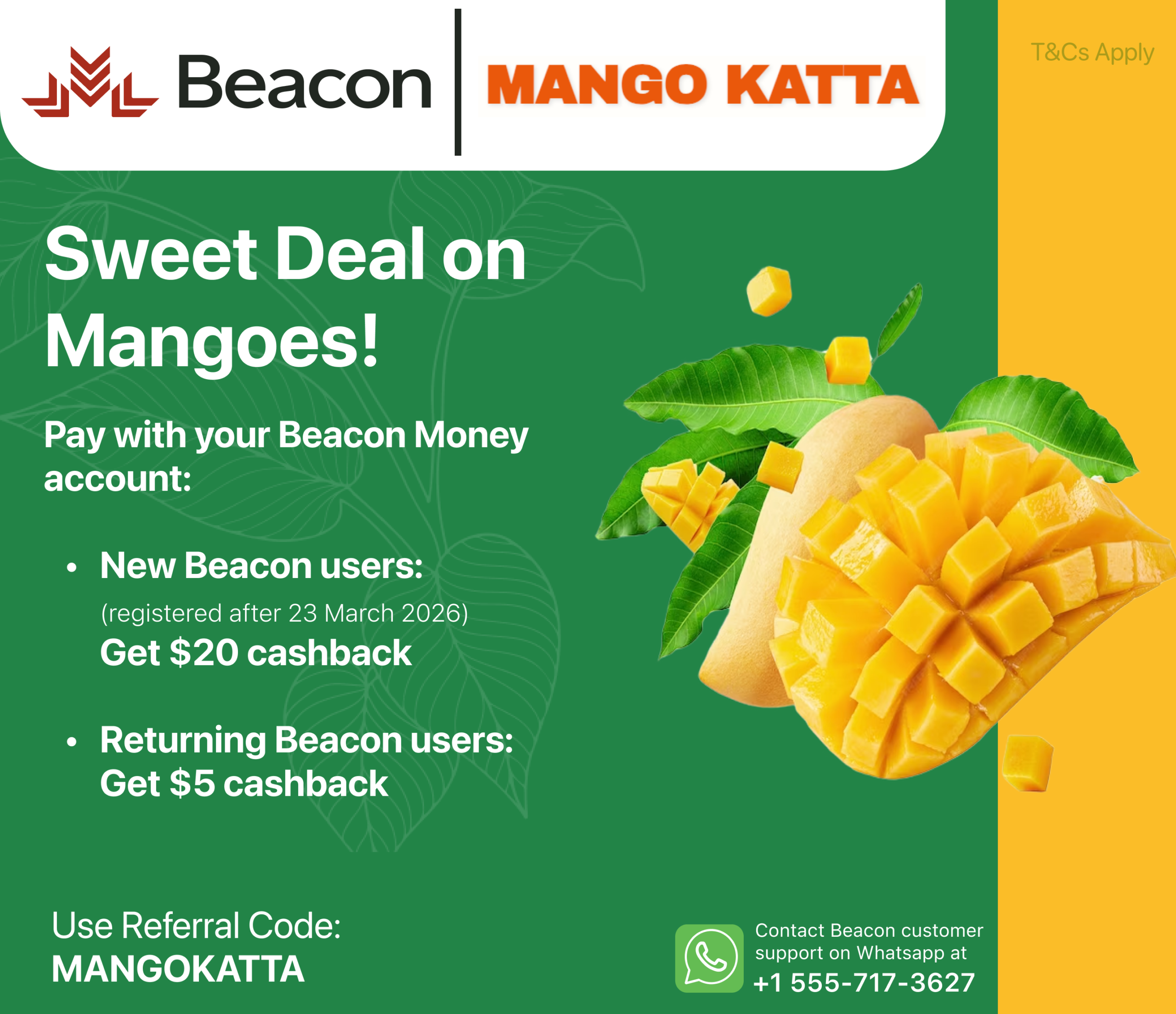
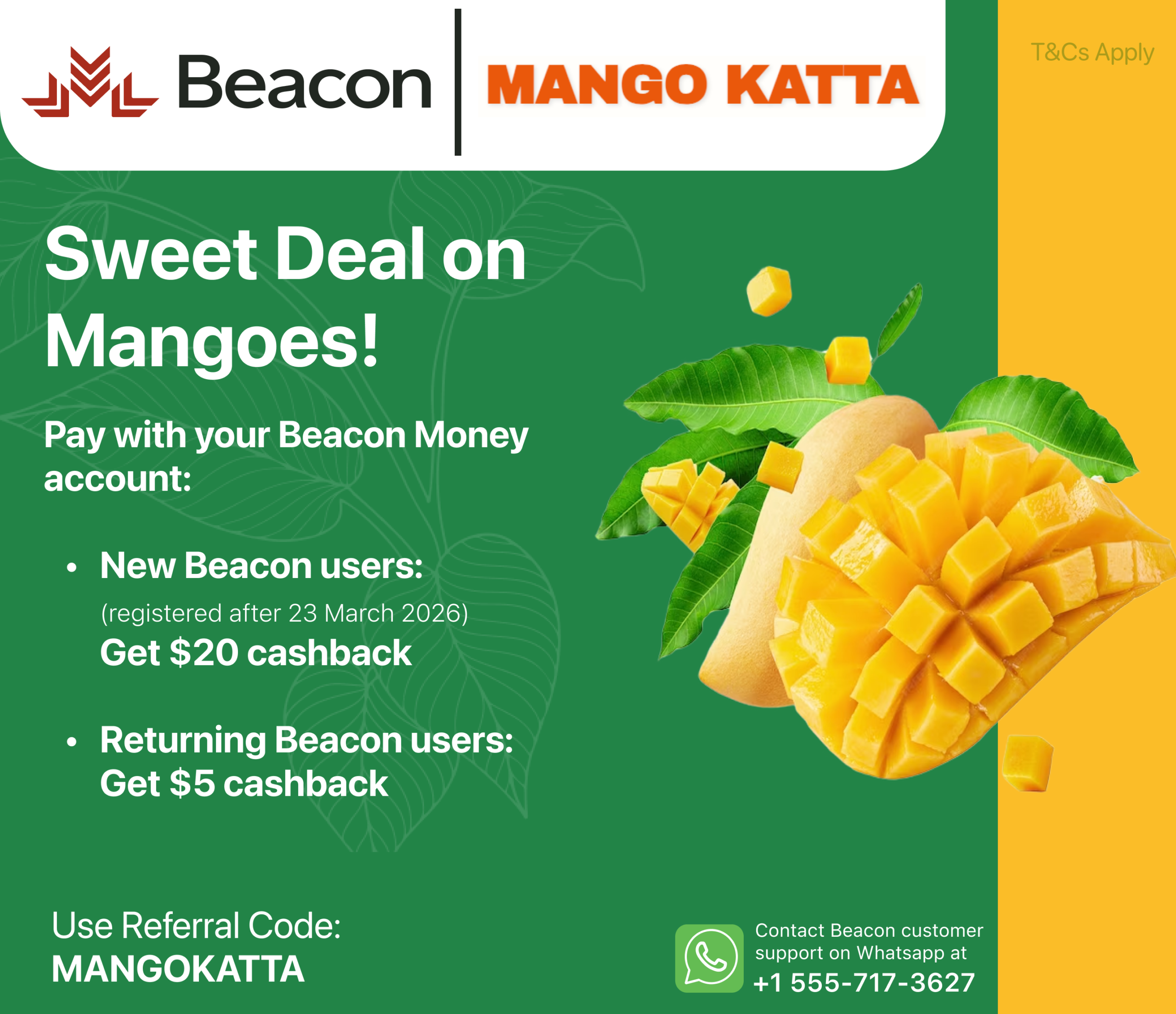
Get CASHBACK on your box of mangoes!
Discover the Sweetest Deal of the Season — With Beacon Money!
Beacon Money isn’t just helping you save money — we’re transforming how you experience everyday purchases. With a Beacon Money account, you gain exclusive access to hand-picked mangoes at unbeatable prices.
Whether you’re craving Alphonso’s or Kesar mangoes, your summer just got a lot more flavourful.
How to claim the offer?
Open a Beacon Money account and make a purchase using Beacon Interac. You’ll receive the cashback within three business days after delivery confirmation. T&C Apply.
Option 1: Do it Yourself!

Step 1: Download the Beacon App
Available on Google Play and the App Store. Click here to download
Step 2: Sign up for Beacon account with Referral Code
Enter “MANGOKATTA” as your referral code while signing up. This unlocks your exclusive offer.
Step 3: Tap on the “Beacon Money” icon
follow the process to open your Beacon Money Account. It’ll take around 5 minutes to complete — all you need is your driver’s license.
Step 4: Add money to your Beacon Money Account
The easiest and fastest way is to send an Interac e-transfer from your existing bank account to your personalized Beacon Interac autodeposit email.
You can find your Beacon Interac auto deposit email by going to Beacon Money → Tap “Add Money” → Select “Interac Auto Deposit”.
Step 5: Purchase Using Beacon Interac e-Transfer
Once you’ve added money to your Beacon Money account, complete your Mangokatta order by sending an Interac e-Transfer from your Beacon Money account to aparnasoni85@gmail.com.
Note: Offer applicable on your first purchase only.
Option 2: Get Personalized support
Beacon Money
Purpose-built financial services for immigrants to Canada
Beacon Money gives immigrants from around the world the ability to open, fund and use Beacon for everyday spending needs.

Effortless account opening
Ready before landing
Ideal for daily financial needs
Easy global funding